Having an issue with an account you purchased? Here’s how to get it resolved quickly.
Step 1: Contact the seller
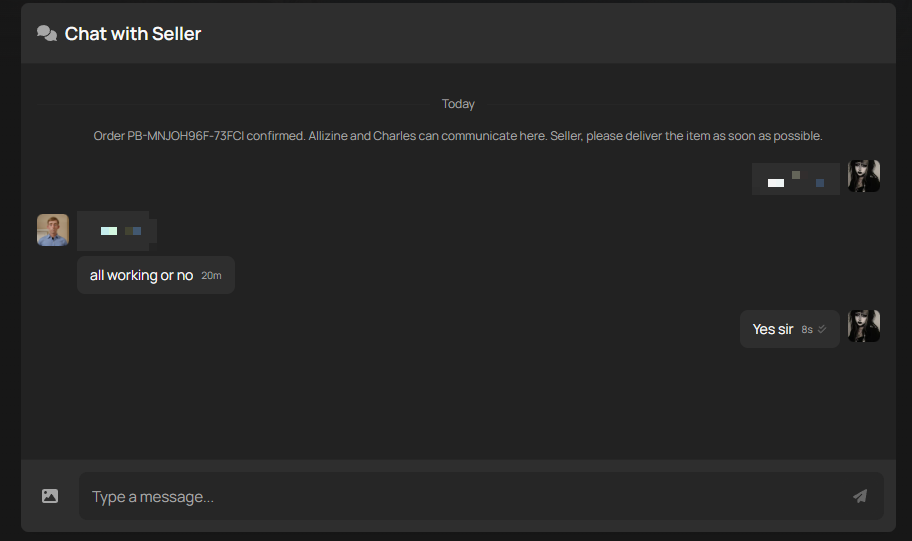
Message the seller from your order page and explain what’s wrong. Screenshots of any login error, ban notice or recovery email help them fix it fast. Most sellers resolve issues directly.
Step 2: Raise a dispute if it isn’t resolved
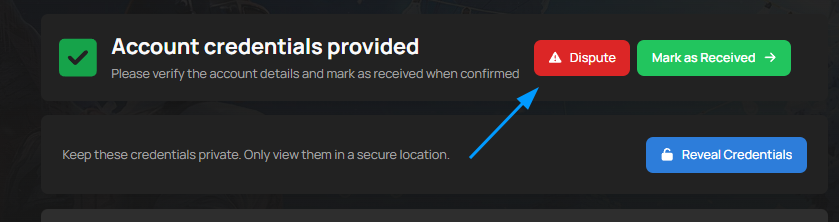
Every account comes with a buyer protection period, usually 5 days and up to 14 days for some games. If the account stops working, gets banned or is recovered during that time, raise a dispute from your order page. Choose the reason that fits, for example Account login doesn’t work or Account was taken back, and add your screenshots.
Once a dispute is open, the seller has 12 hours to respond. That allows for time zone differences. If they don’t, our Dispute Team steps in.
Keep the account as it is until the dispute is resolved. Don’t play on it, resell it or change the login details, or buyer protection may not cover it.
If your protection period has already ended, your order page will show a link to our support team, and we’ll review the situation with you.