
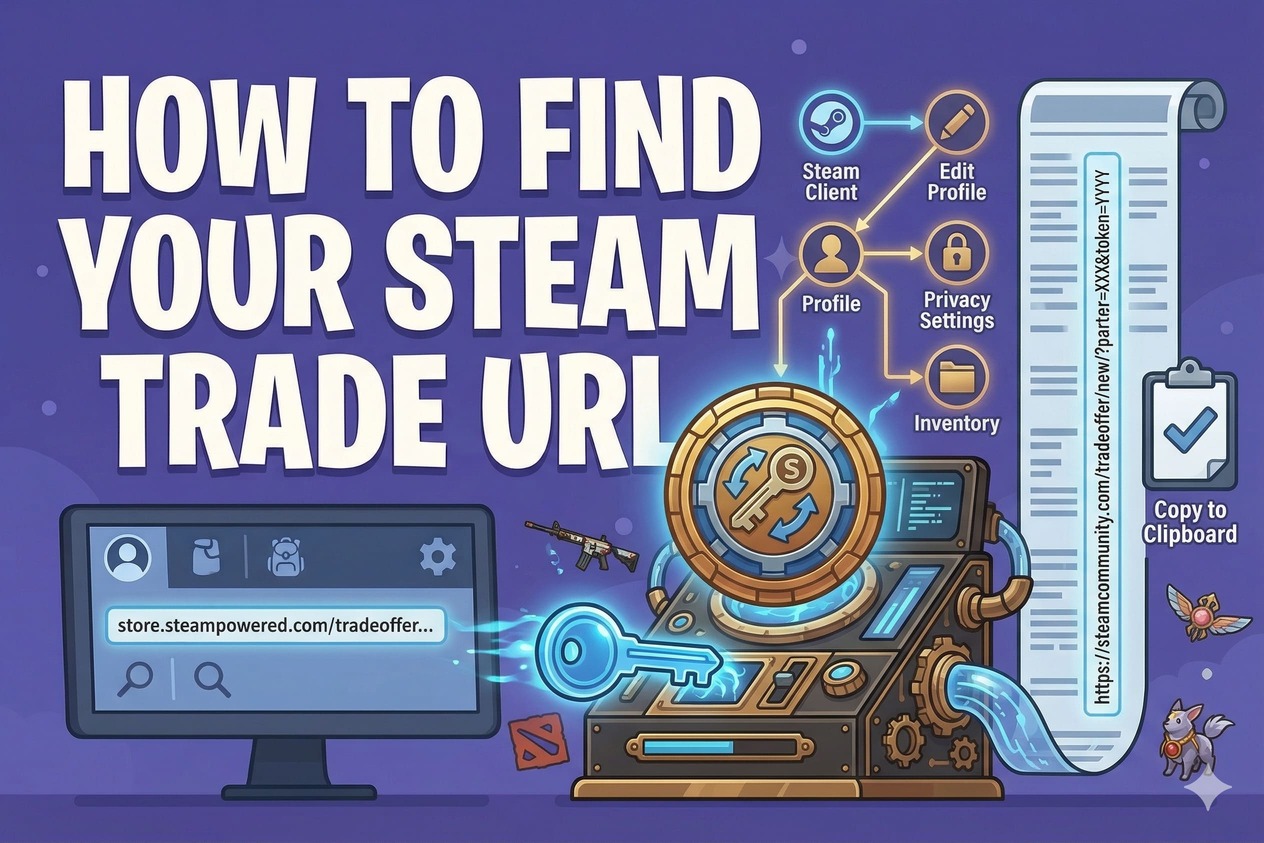
How to find your Steam Trade URL

·
·
How to find your Steam Trade URL

To find your Steam Trade URL:


1) Log in to Steam
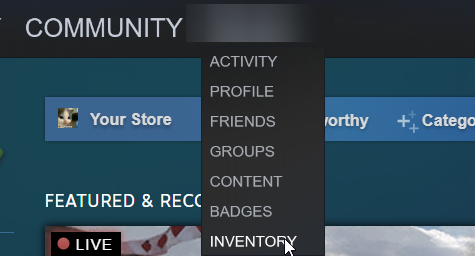
2) Open your Inventory

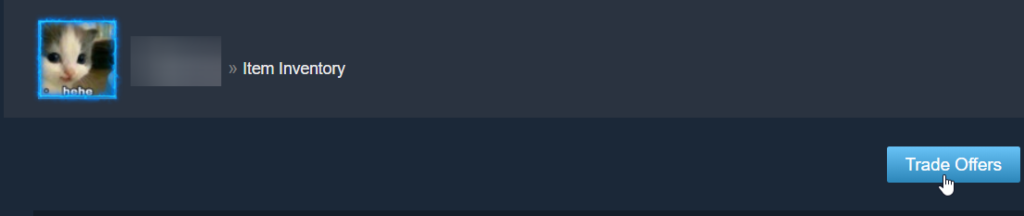
3) Click “Trade Offers”

4) Click “Who can send me Trade Offers?”
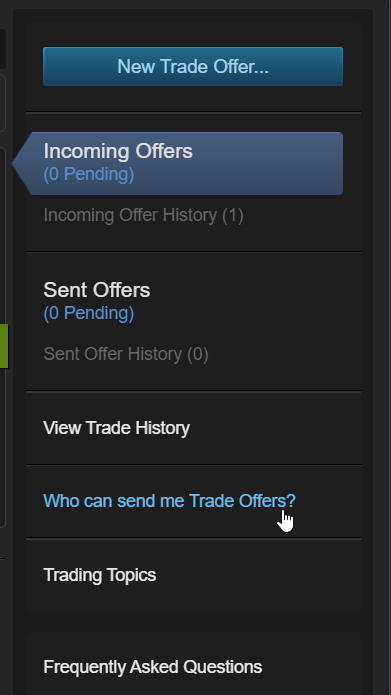

5) Copy your Trade URL from the “Third-Party Sites” section.
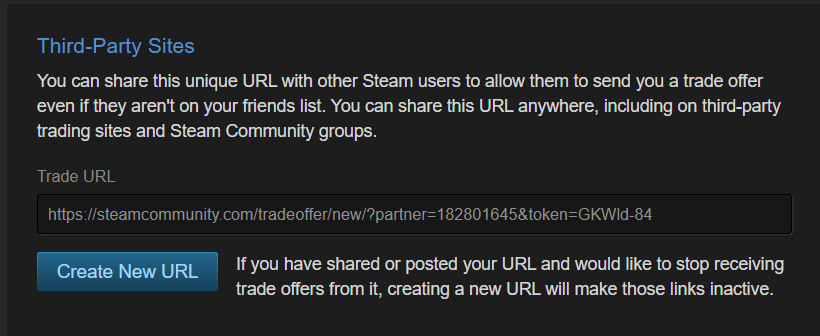


Make sure your Inventory Privacy is set to Public, otherwise you will not be able to trade with PlayerBay sellers.

Charles Knapp is the tech brain behind PlayerBay. With years of experience in cybersecurity and system architecture, he's all about keeping gamers safe while they buy, sell, and trade. When he’s not optimizing servers or locking down code, you’ll probably find him diving into his latest favorite RPG.

Charles Knapp
Charles Knapp
-Author